
Tap to Pay on iPhone
This content is for 5.0 (Preview). Switch to 4.5 (Current) for the current release documentation.
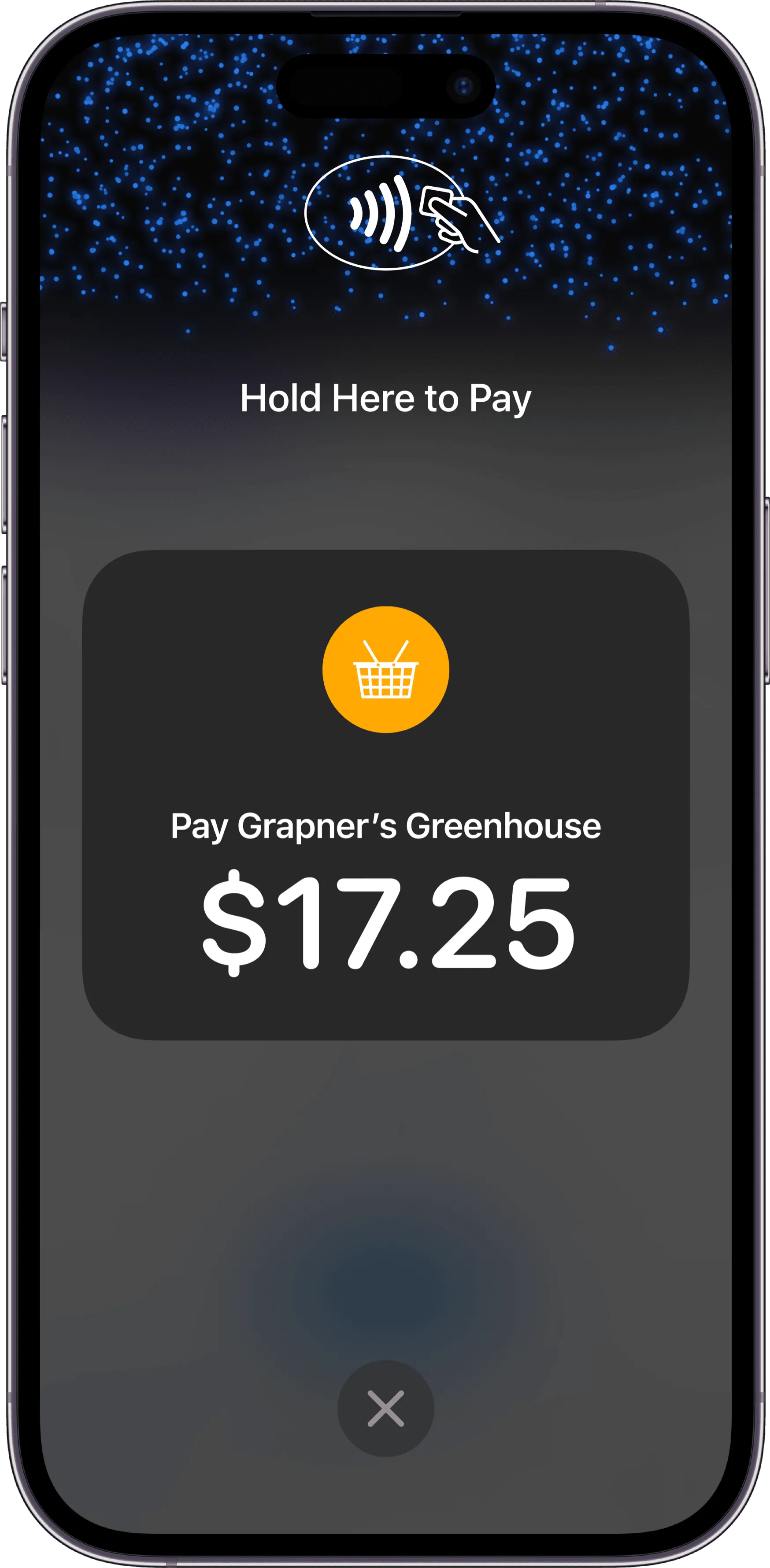
With Tap to Pay on iPhone in the QUEUE Cloud app, you can accept in-person, contactless payments directly on your iPhone — from physical debit and credit cards to Apple Pay and other digital wallets — no extra terminals or hardware needed. It’s easy, secure, and private.
Requirements
Section titled “Requirements”- Compatible device: iPhone XS or later running iOS 16.4
- Enabled Tap to Pay module (contact your customer success specialist if needed)
Enable Tap to Pay on iPhone
Section titled “Enable Tap to Pay on iPhone”- Navigate to Settings > Devices > [Your device] on the iPhone you want to configure.
- Toggle on Tap to Pay on iPhone.
- Press Bind status to see available bind items.
- Select a bind item.
- If this is your first time enabling, choose the appropriate Apple ID and tap Agree & Continue.
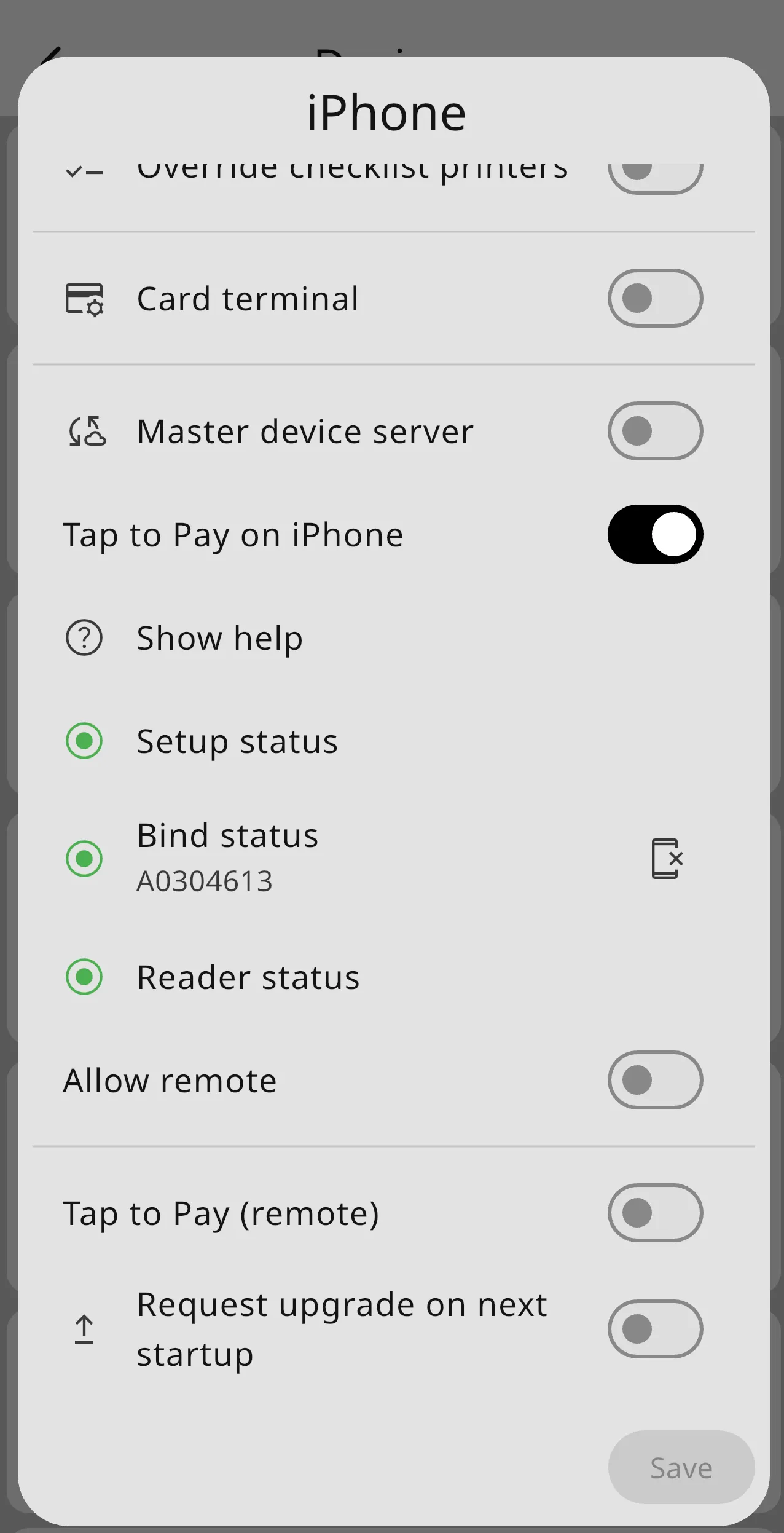
- Tap to Pay on iPhone will now be available as a payment option on this device.
Remote Tap to Pay on iPhone
Section titled “Remote Tap to Pay on iPhone”For handling payments on a separate device (tablet or Android phone):
- Toggle on Allow remote in Settings.
- From the drawer menu, select Card reader to put your iPhone in payment mode.
On your primary device:
- Toggle on Tap to Pay (remote).
- Select the appropriate iPhone.
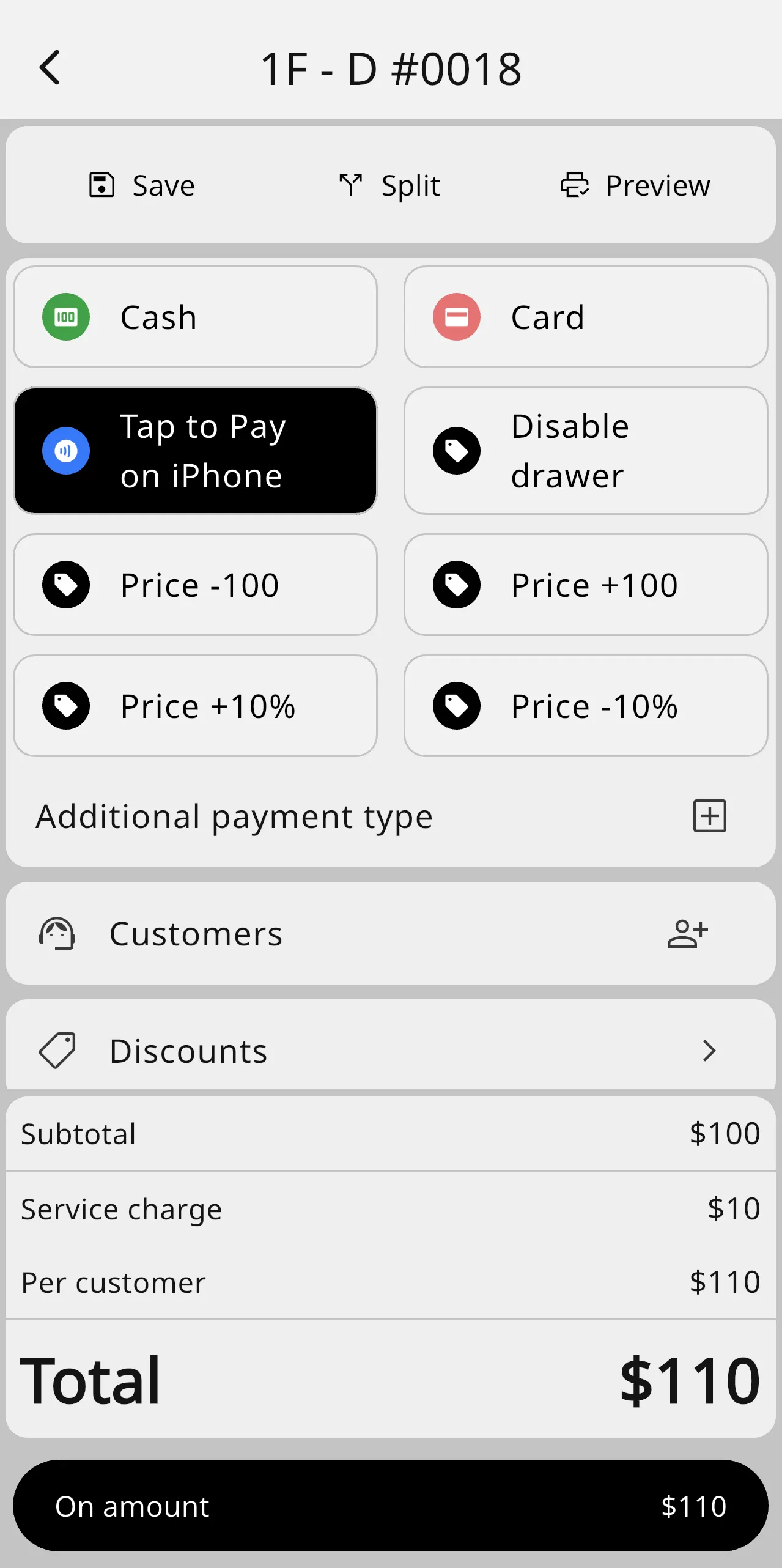
- On the payment page, select Tap to Pay on iPhone to initiate the payment.