
Install QUEUE
This content is for 5.0 (Preview). Switch to 4.5 (Current) for the current release documentation.
For iPhone or iPadApple App store
For Android devicesGoogle Play store
On any computerUse it in a web browser
Sign Up and Get Started
Section titled “Sign Up and Get Started”Create your free account
Section titled “Create your free account”Click the “Create new account” button to get started:
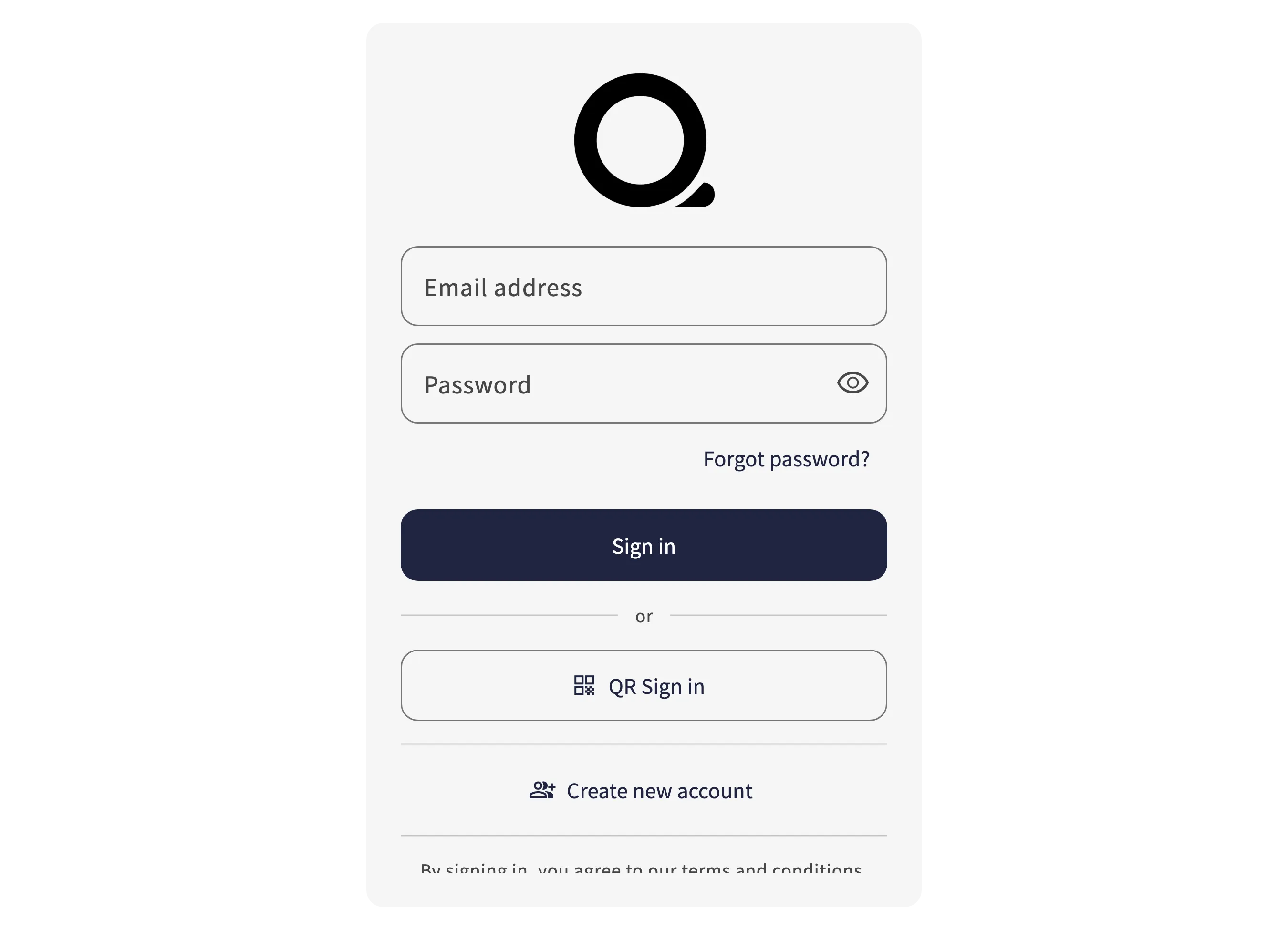
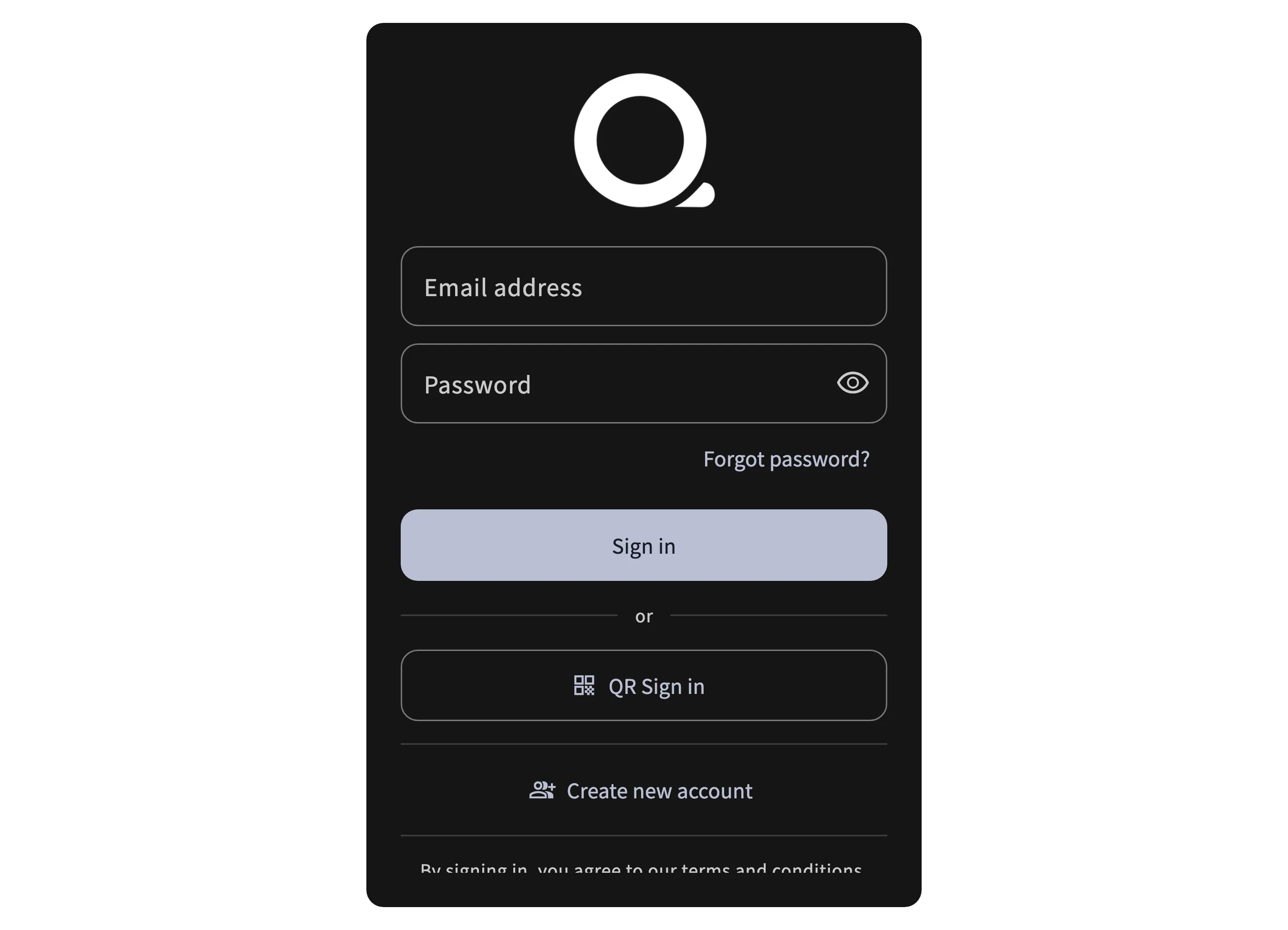
Fill in your information
Section titled “Fill in your information”Enter your email address and choose a password (at least 6 characters):
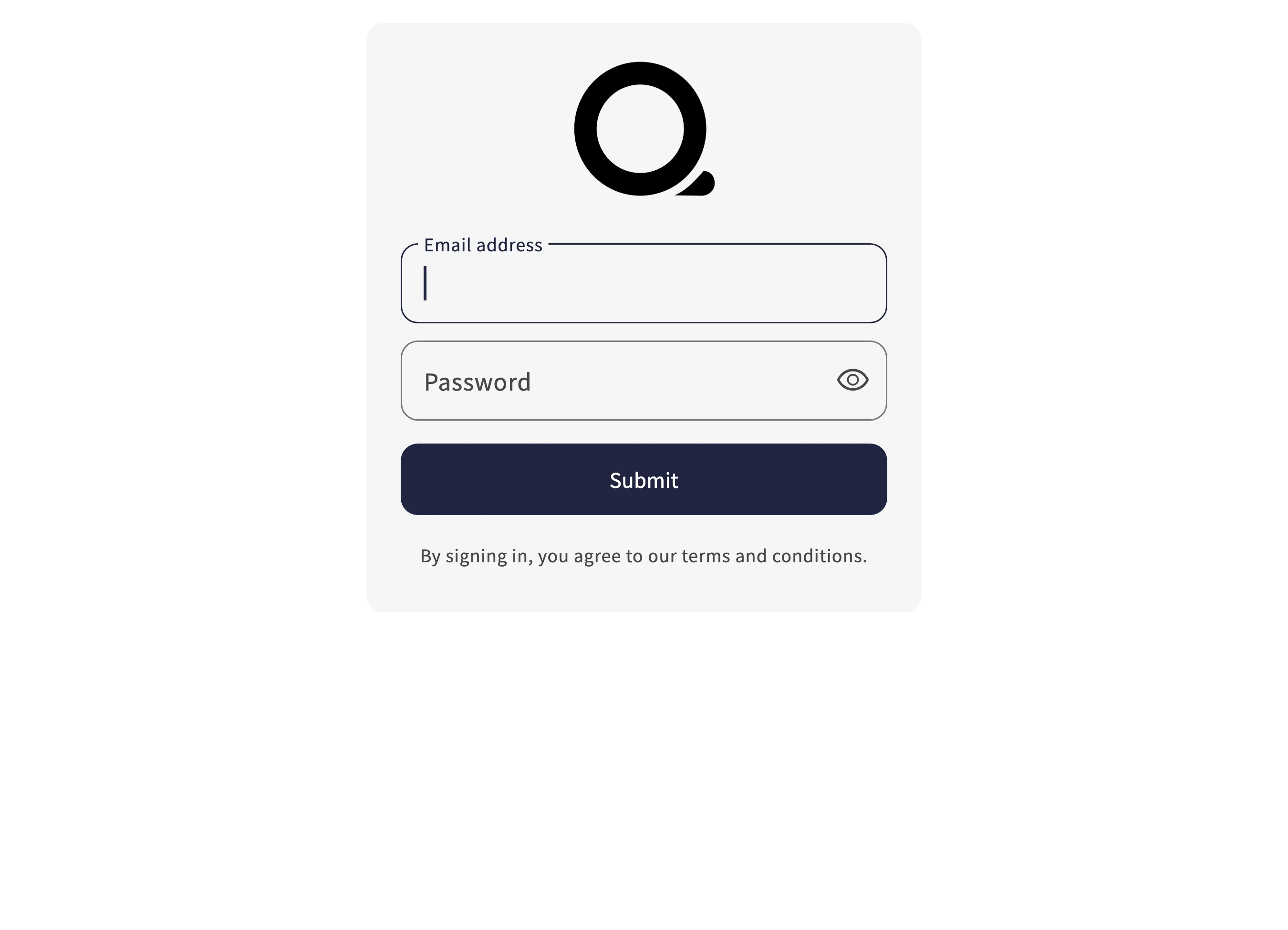
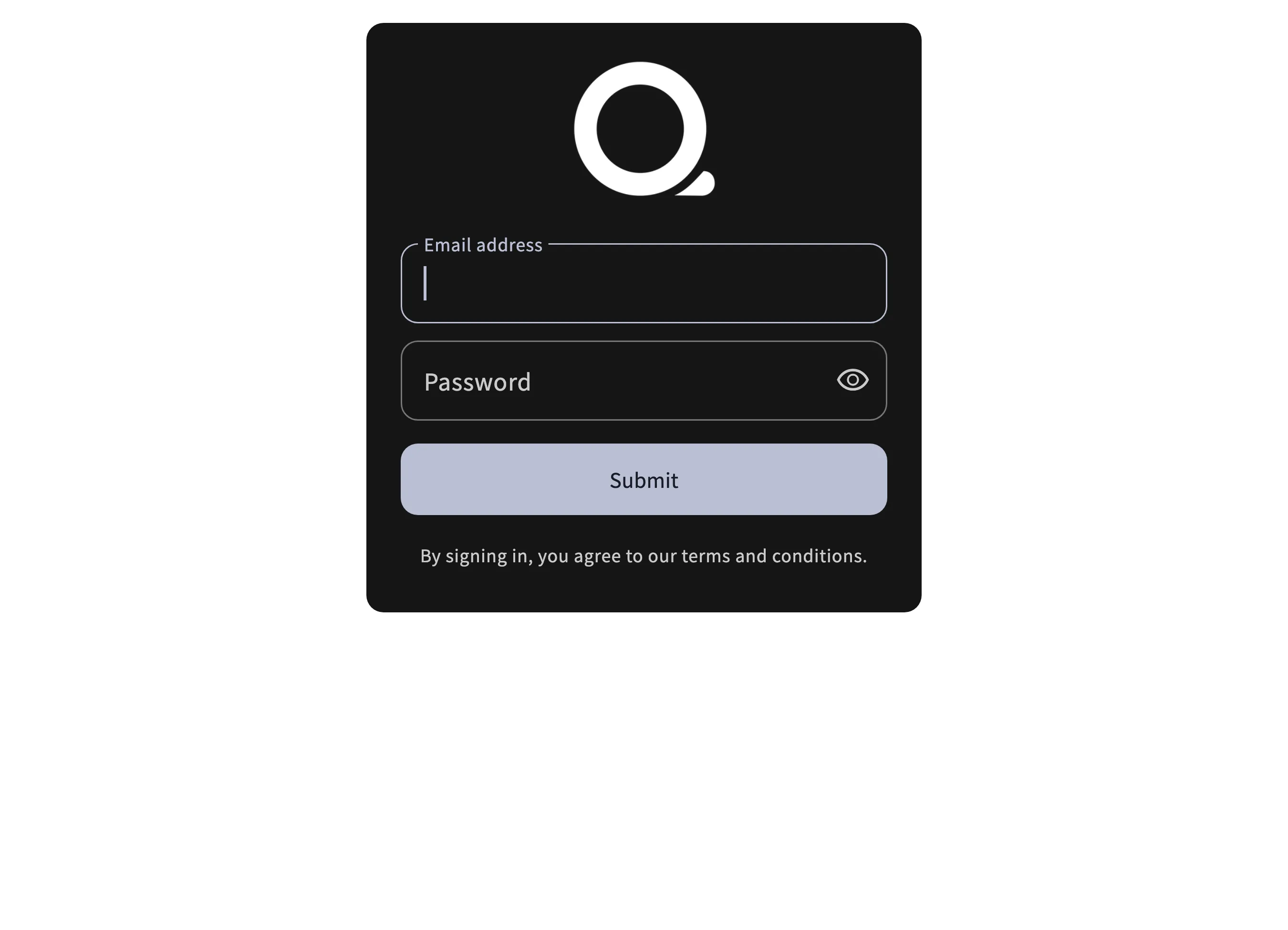
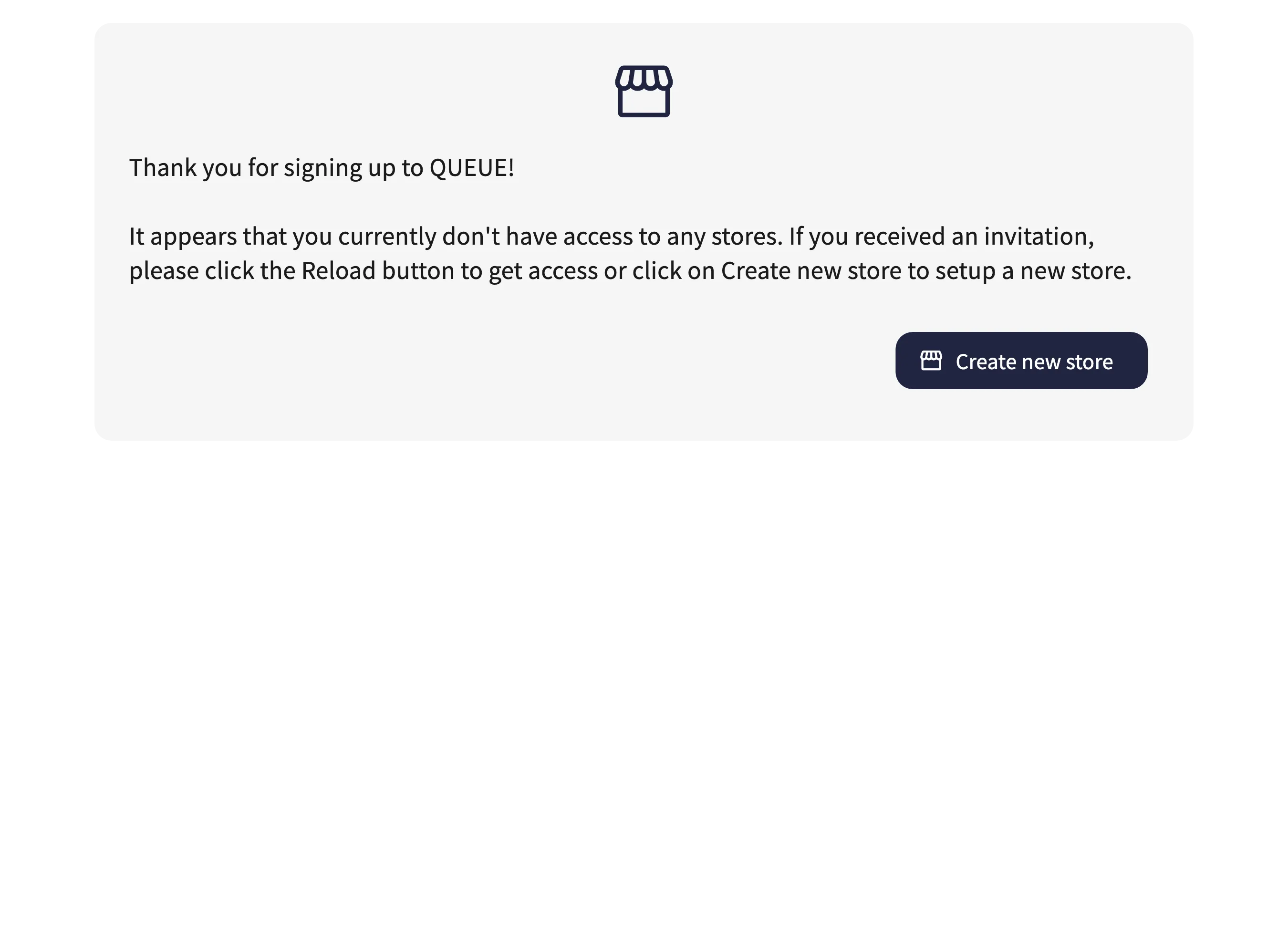
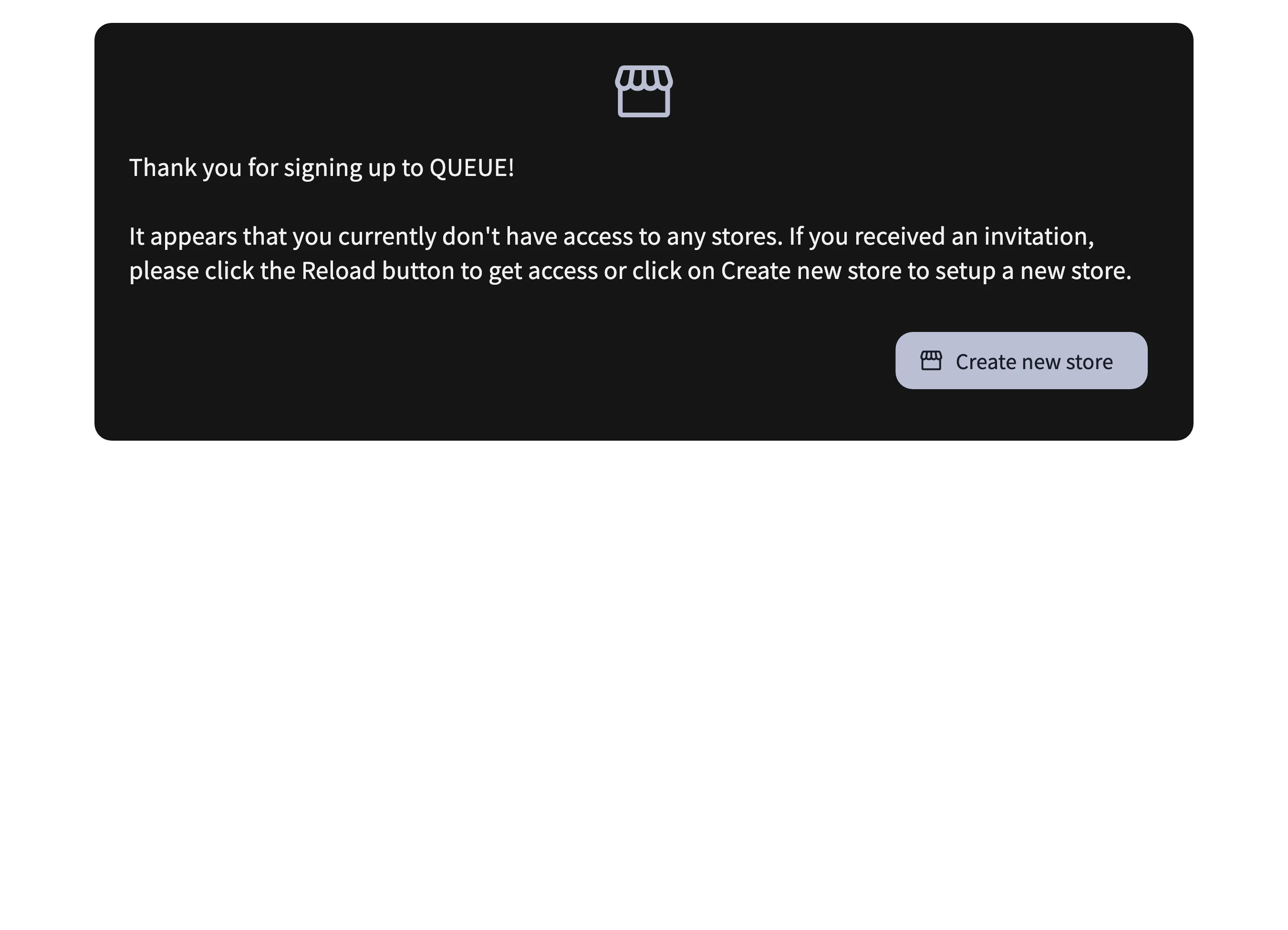
Create new store
Section titled “Create new store”Tab on New store to create a new store
Tell us about your store
Section titled “Tell us about your store”Share a few details about your business to personalize your experience:
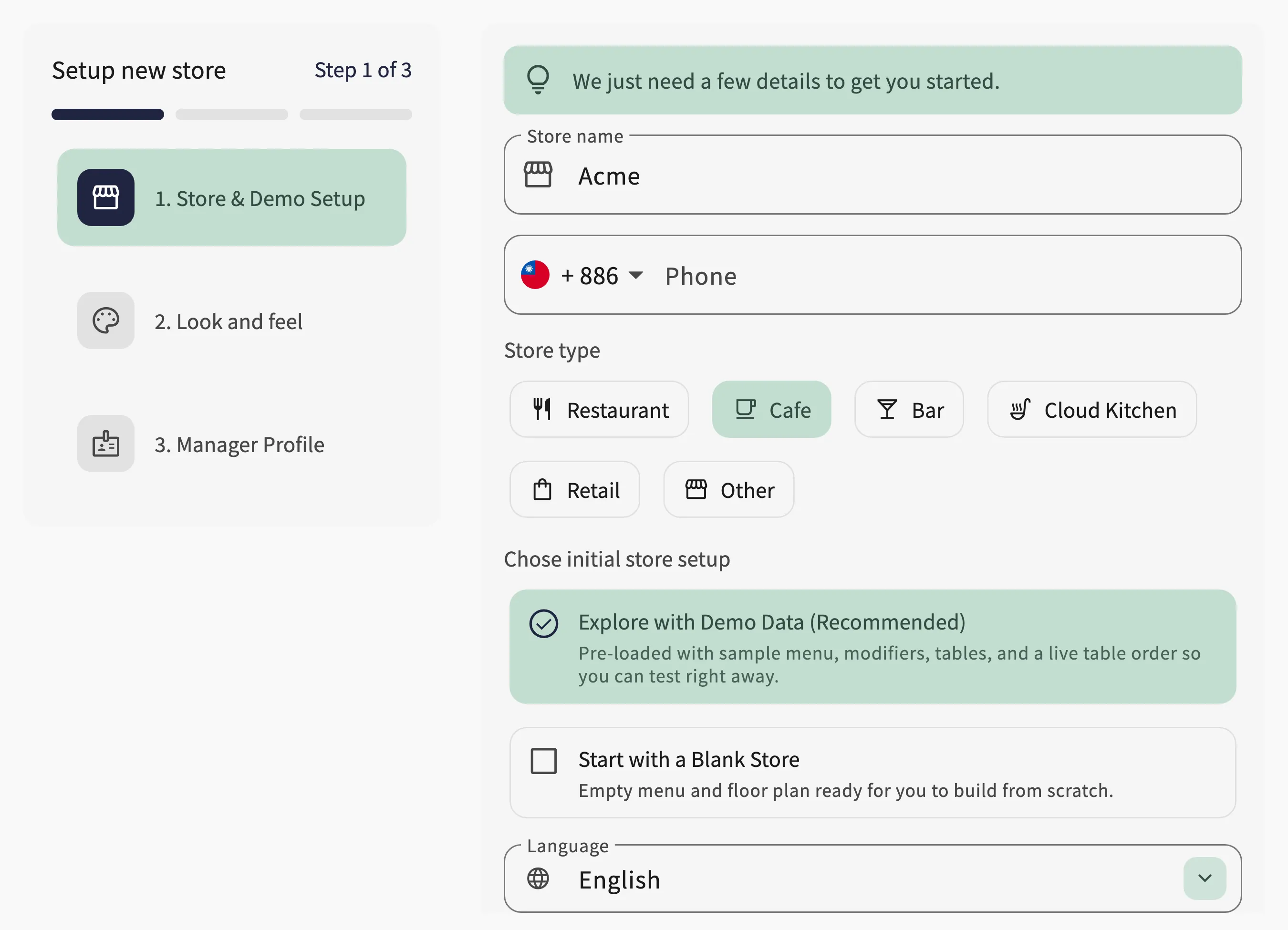
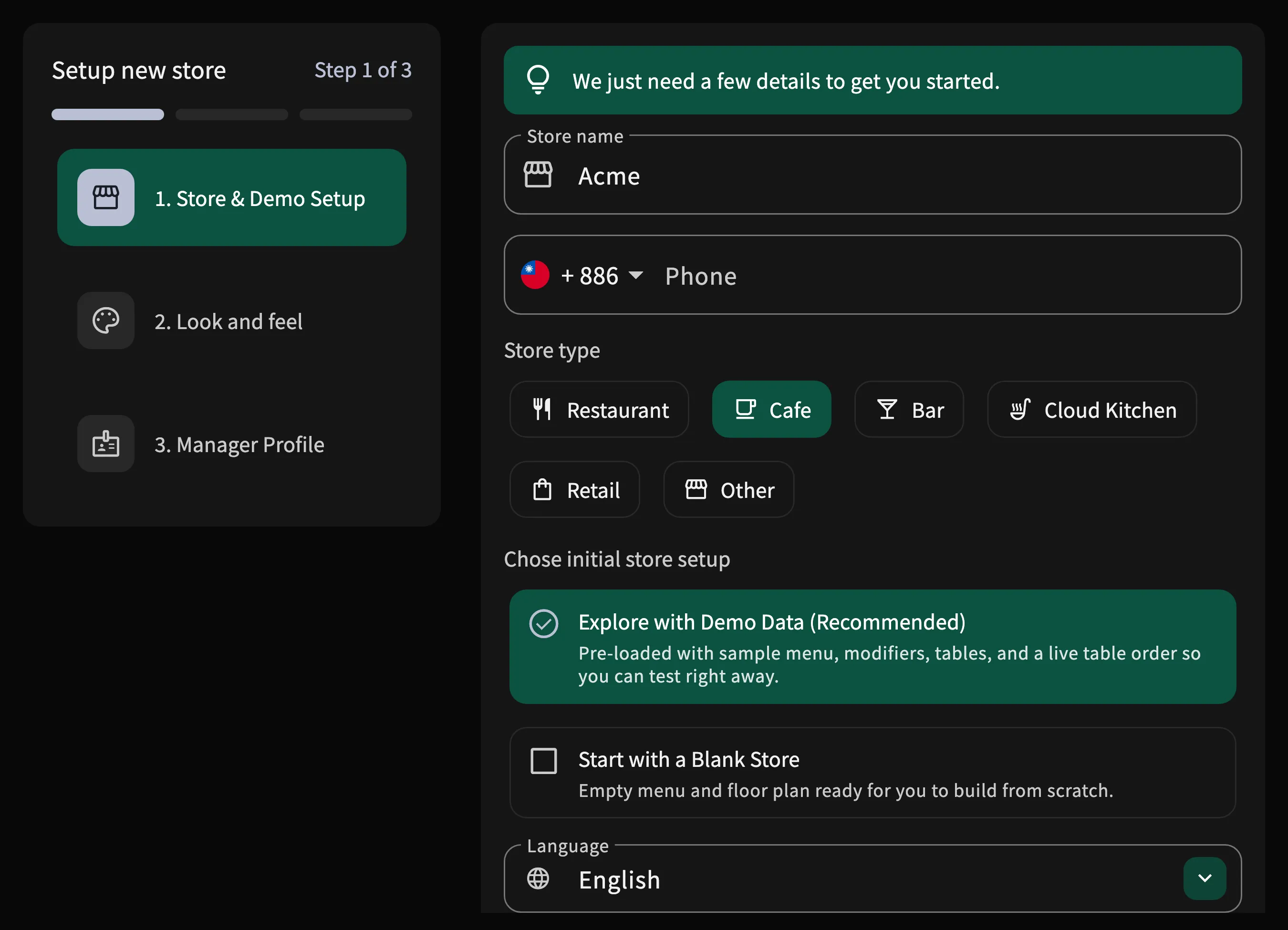
When ready tab Next
Select your manager
Section titled “Select your manager”Select the manager that you created when creating the store
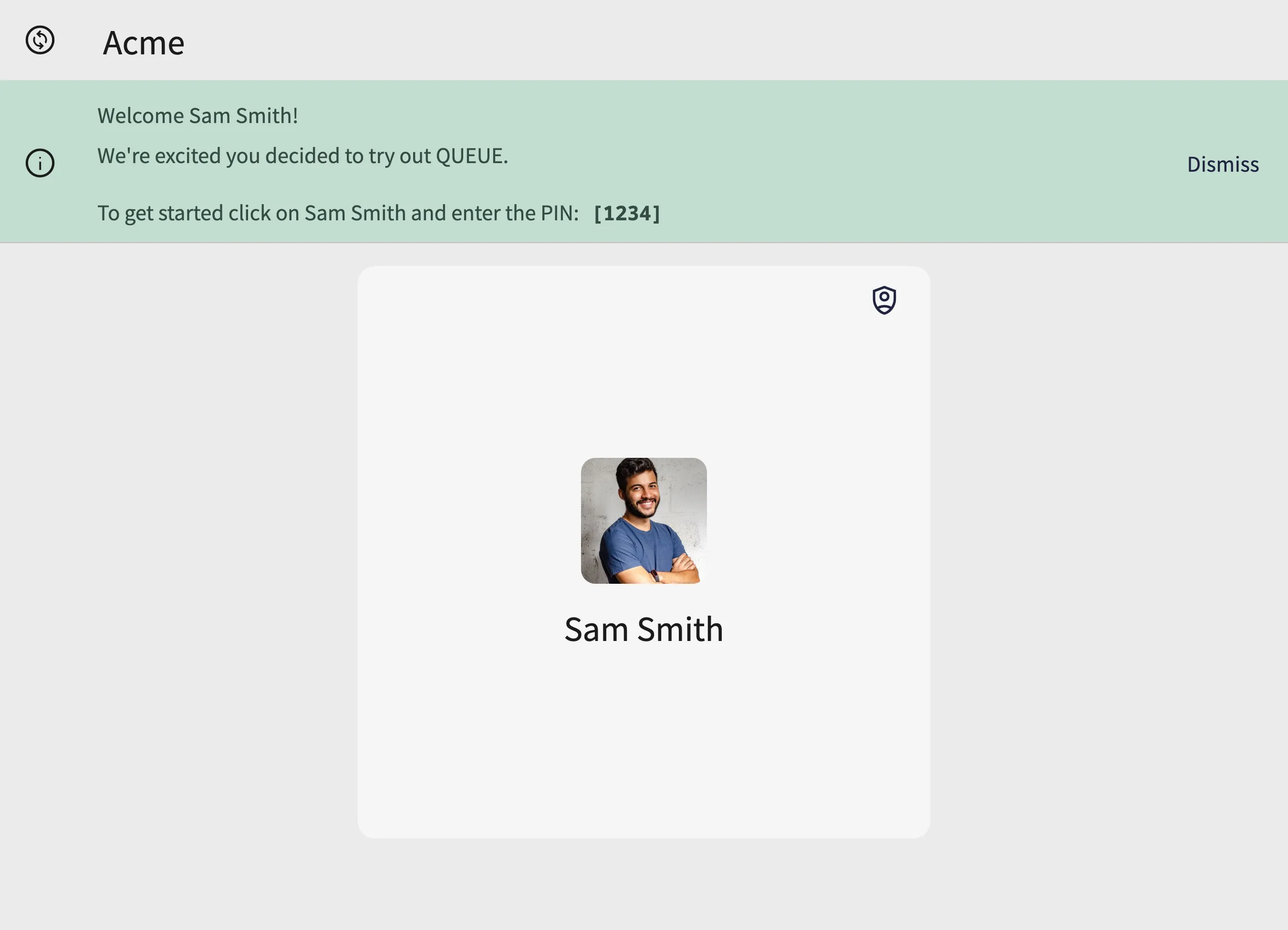
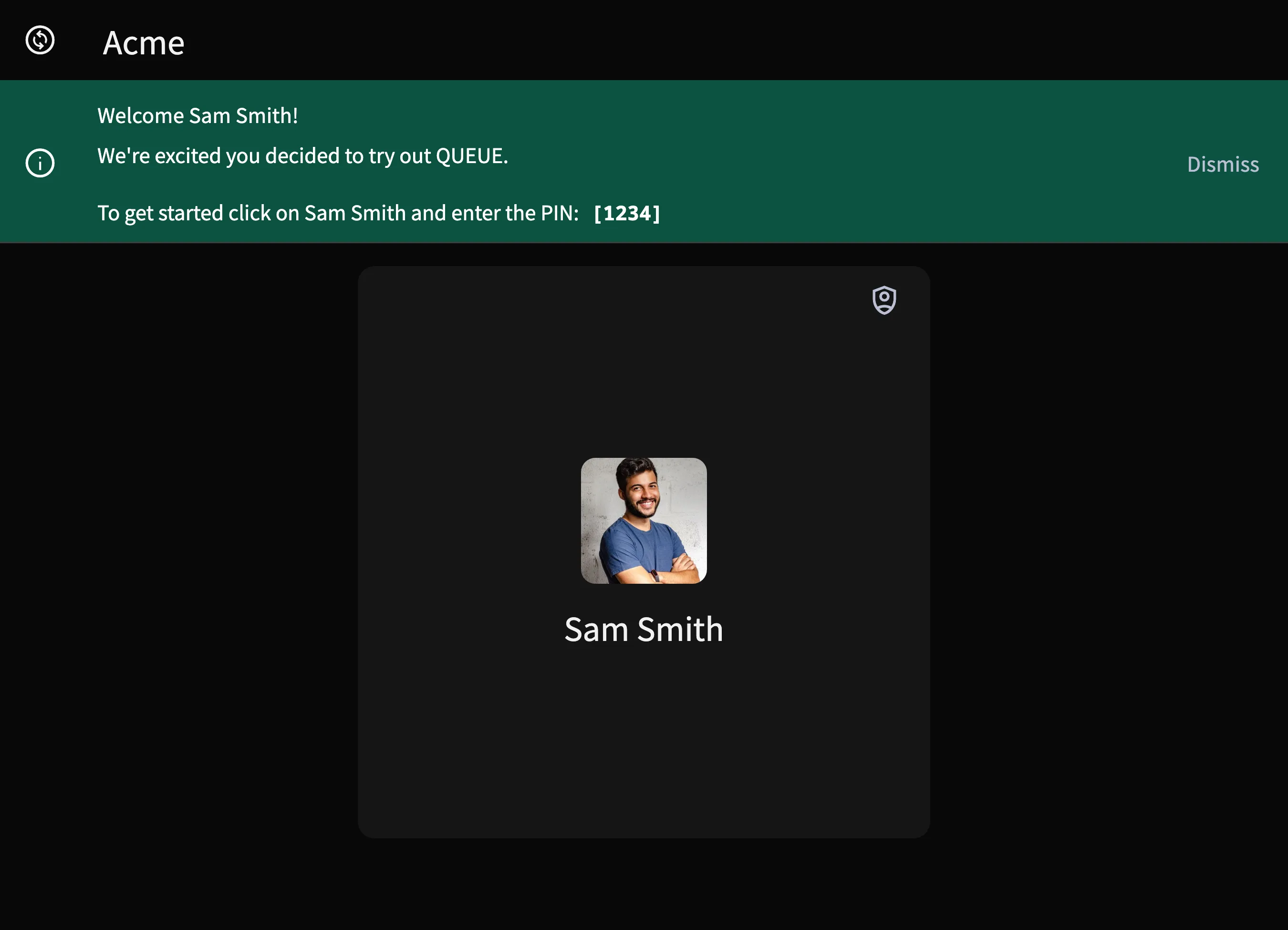
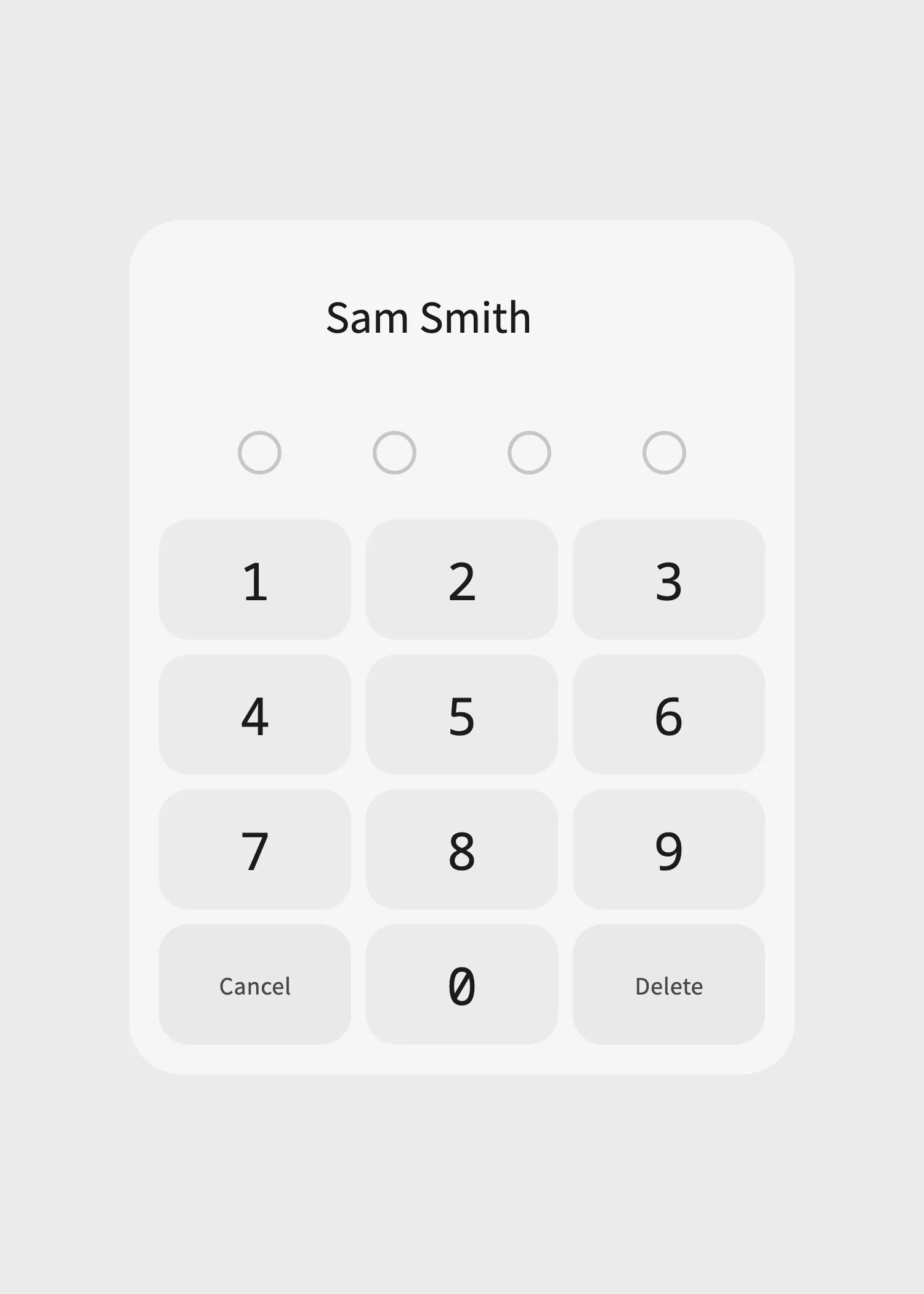
Enter pin
Section titled “Enter pin”Enter the manager PIN that you created when creating the store
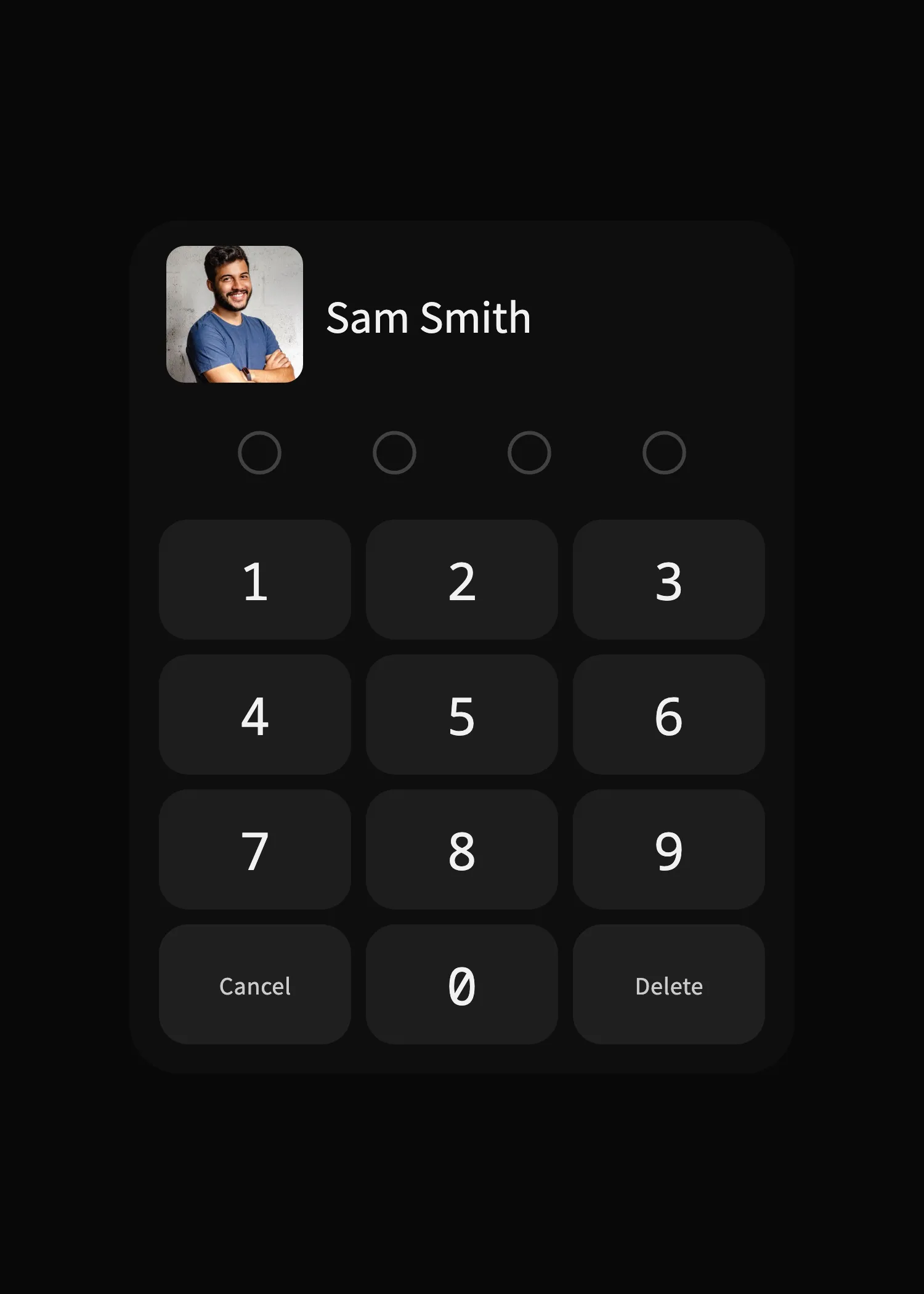
That’s it
Section titled “That’s it”You’re now ready to explore QUEUE Cloud and start managing your store like a pro.
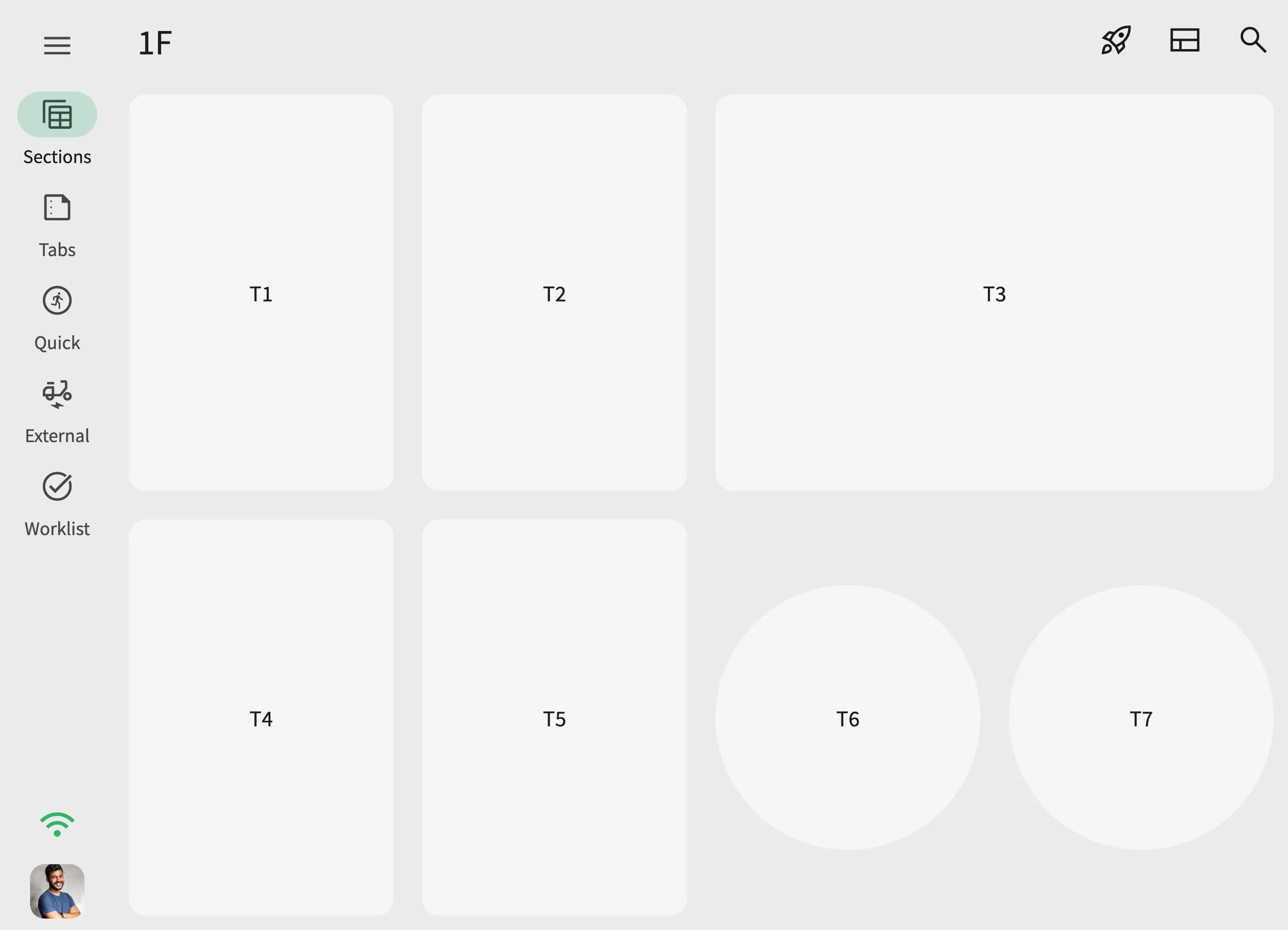
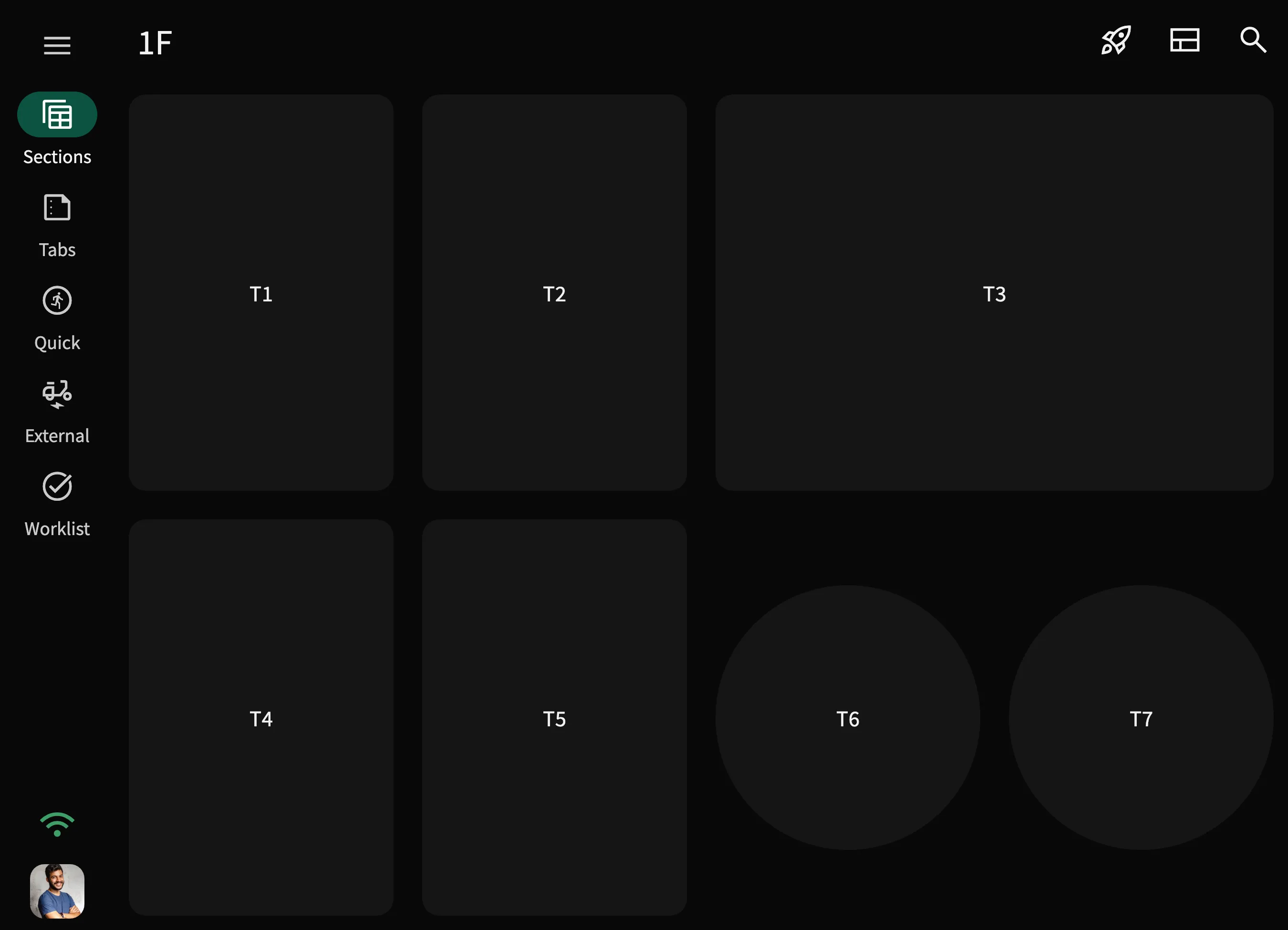
Please don’t hestiate to reach out if you have any questions or experience any issues. We’re ready to help.