Time Card
This content is for 5.0 (Preview). Switch to 4.5 (Current) for the current release documentation.
Introduction:
This page allows you to easily clock in and clock out of your work shifts.
Time Cards
Section titled “Time Cards”Viewing Your Time Cards:
- Click the “Time Cards” button to see a record of all your clock-in and clock-out times.
Clocking In
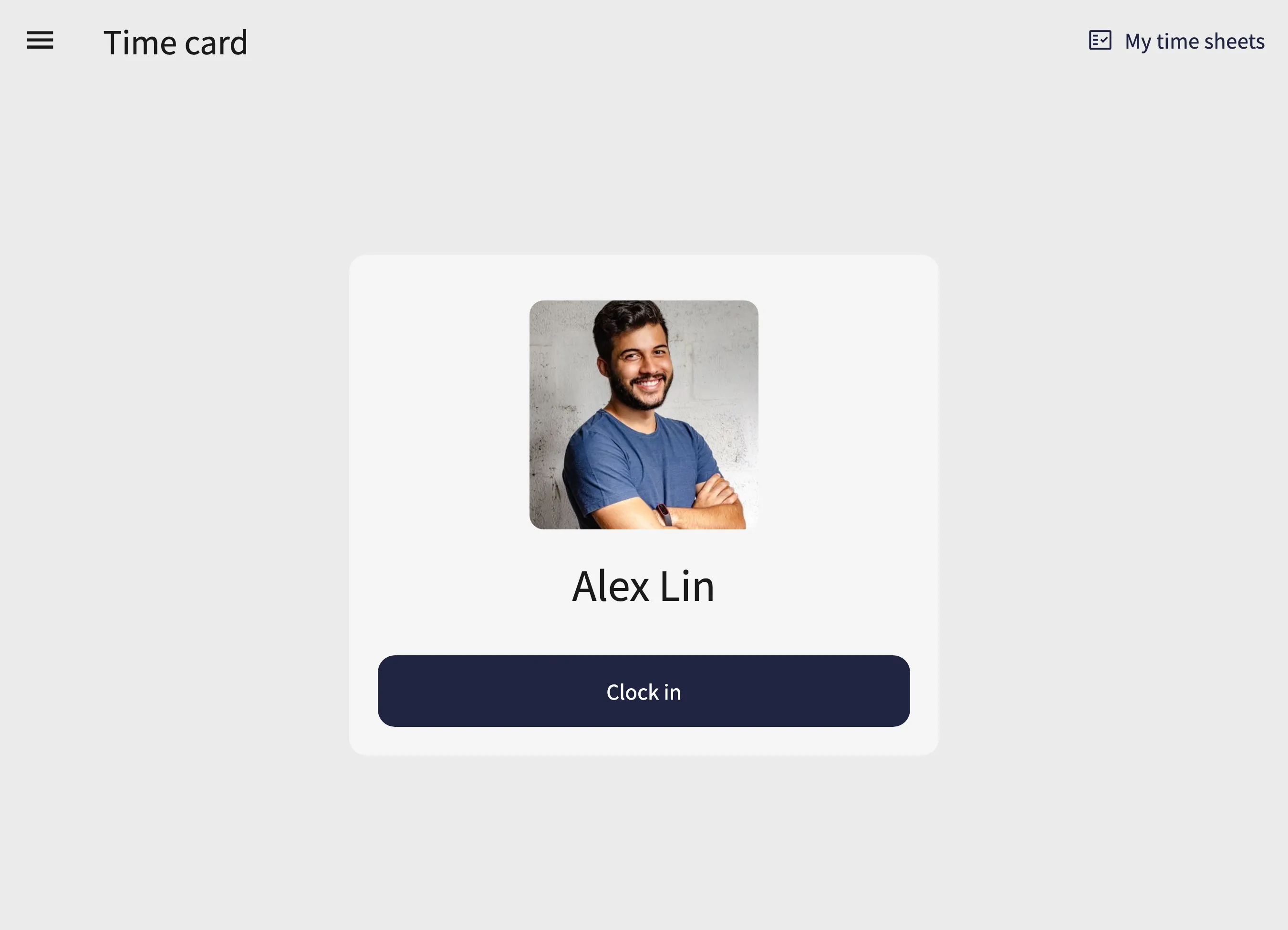
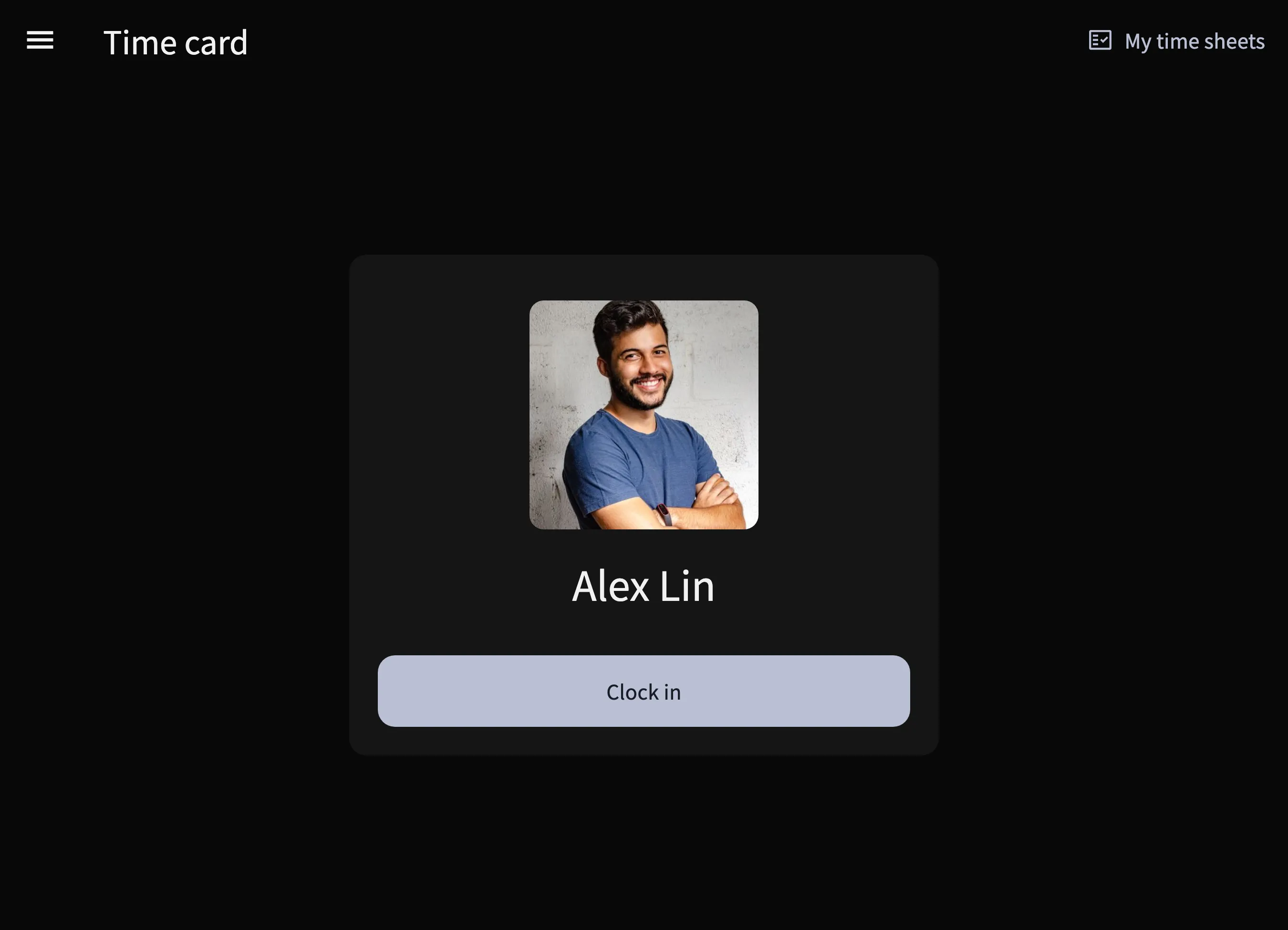
Section titled “Clocking In”To clock in:
- Click the “Clock In” button.
- You will be clocked in and returned to the main page.
Clocking Out
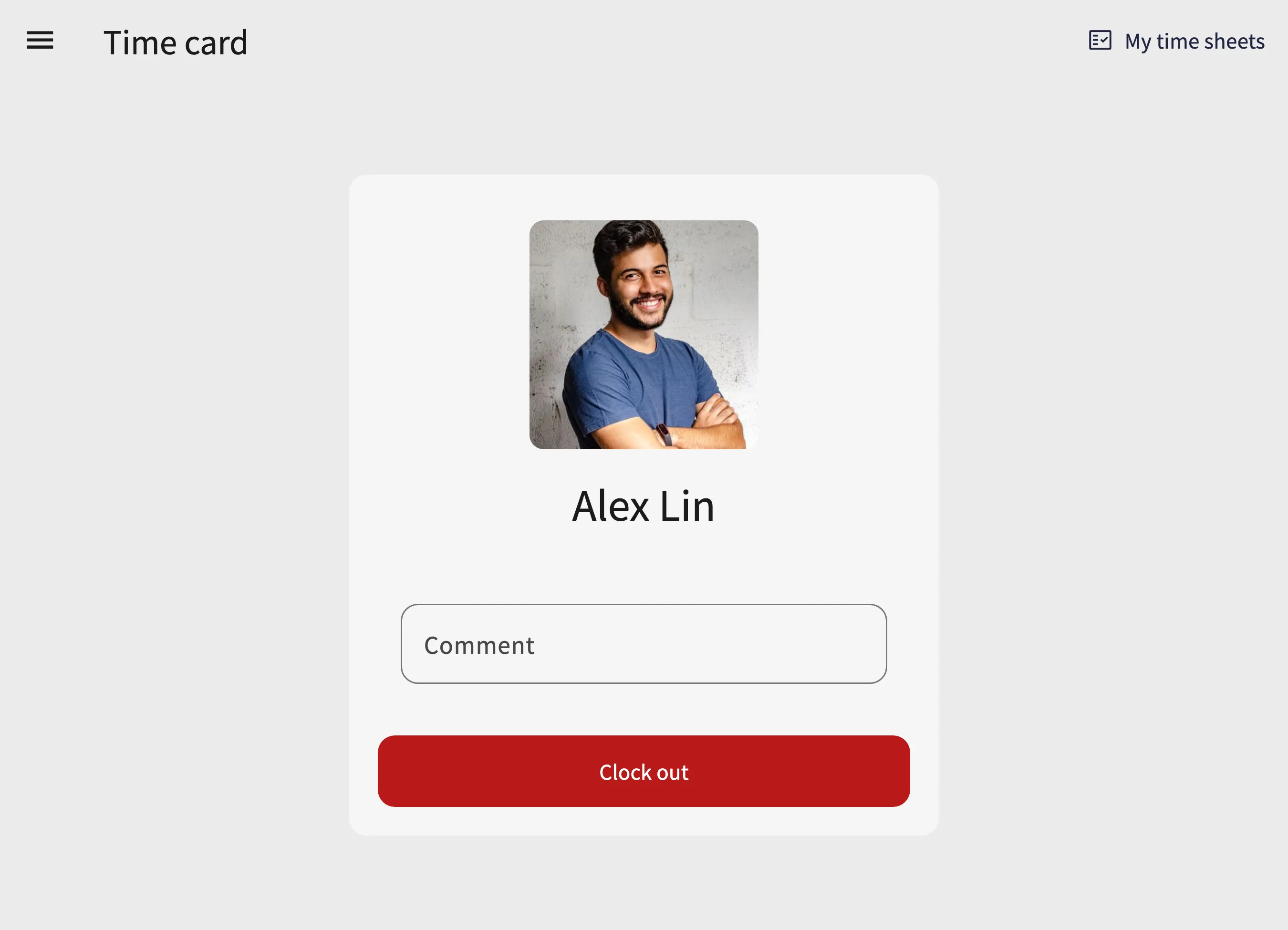
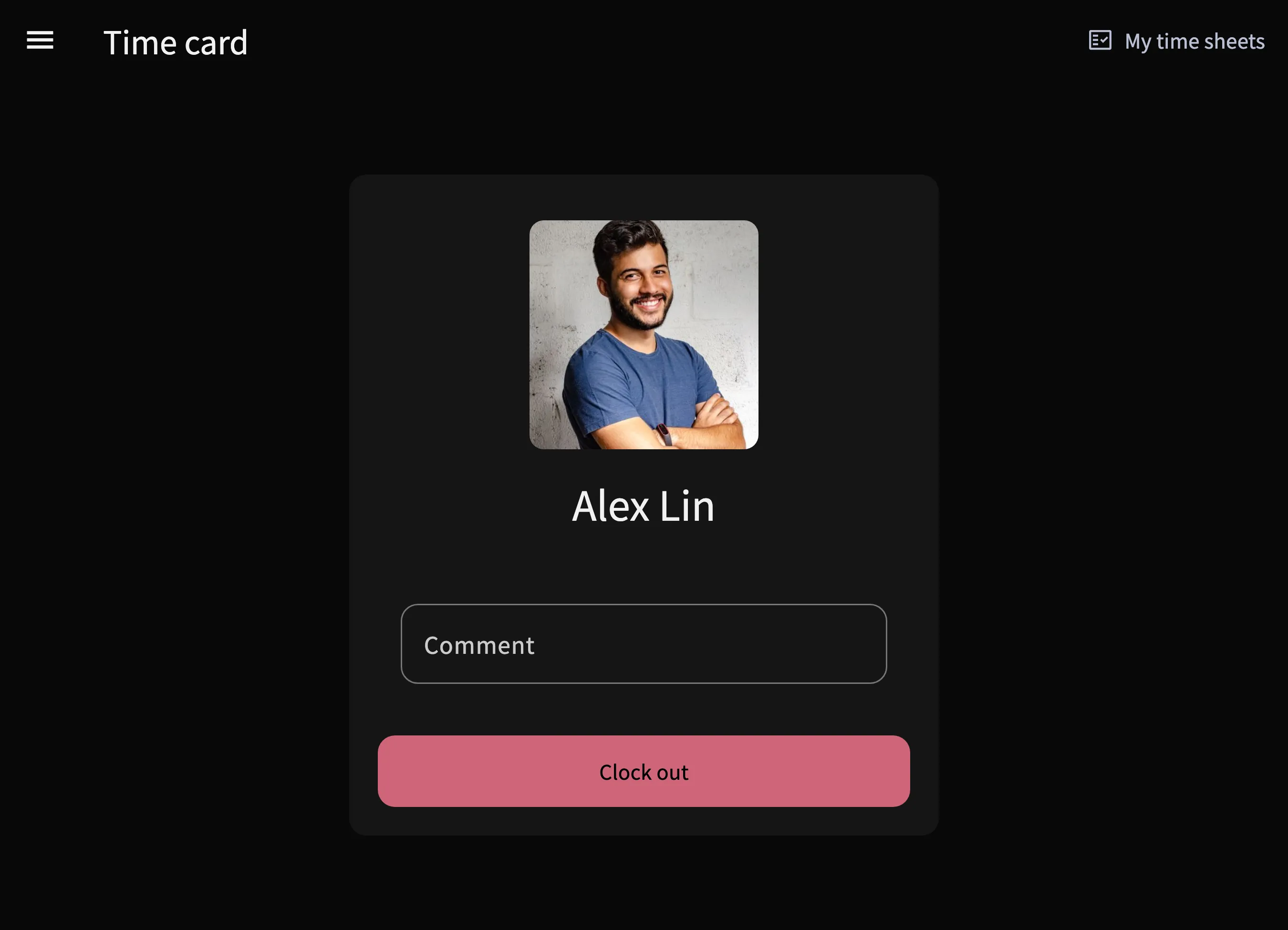
Section titled “Clocking Out”To clock out:
- Click the “Clock Out” button.
- Optionally, enter a comment to explain your clock-out time.
- Click “Clock Out” again to confirm.