
Menu drafts
This content is for 5.0 (Preview). Switch to 4.5 (Current) for the current release documentation.
QUEUE lets you experiment with menu changes without disrupting your live operations. Create drafts, make adjustments, and publish them when you’re ready, ensuring a seamless customer experience.
How It Works
Section titled “How It Works”-
Create a New Draft:
- Press “New” to create a draft.
- Give it a descriptive name to easily identify it later.
-
Activate a Draft:
- Select a draft to make it active.
- The header bar will change color, and the name will indicate you’re in draft mode.
- All menu changes will now be made within this draft.
- Press the draft again to deactivate draft mode and return to your original menu.
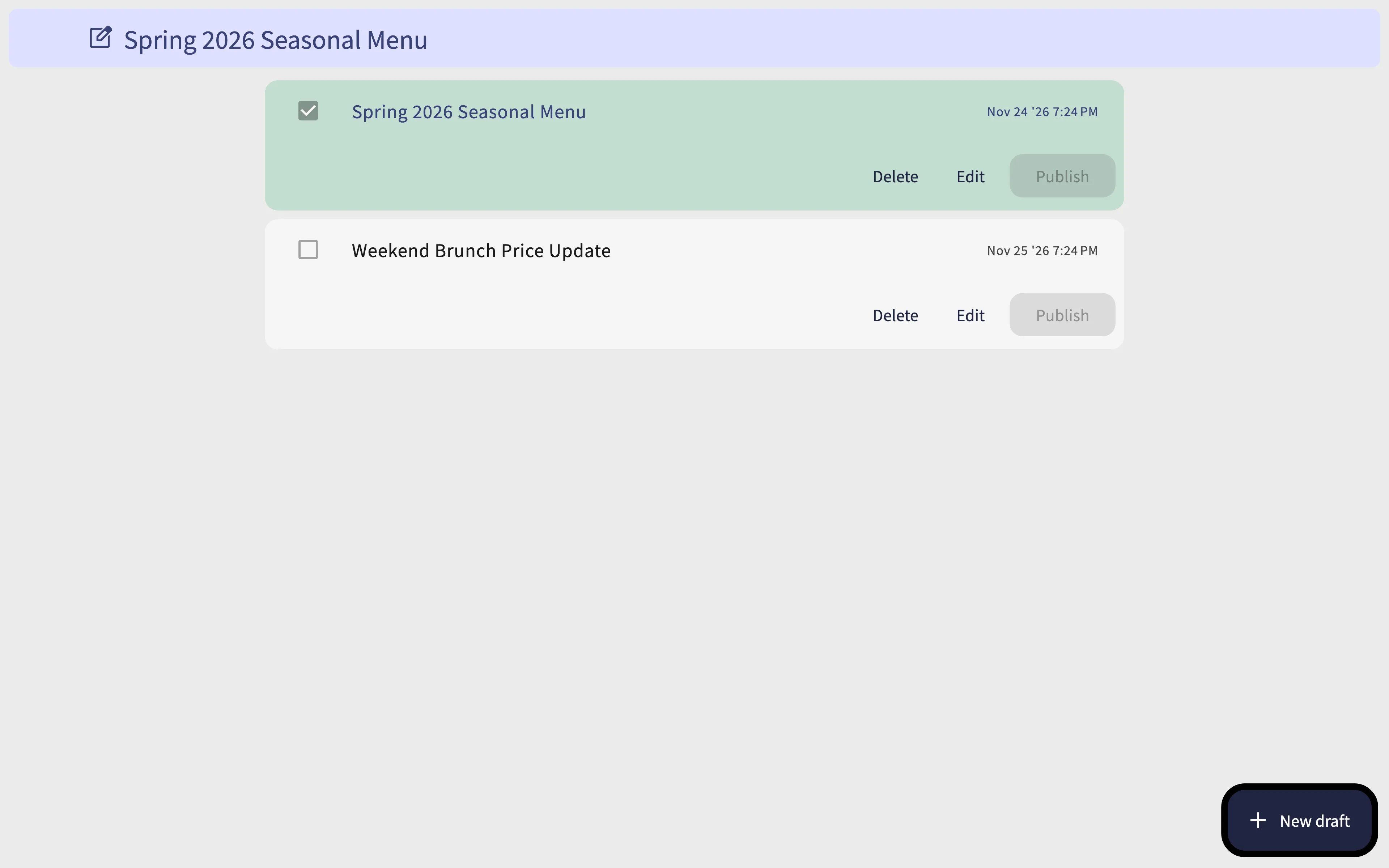
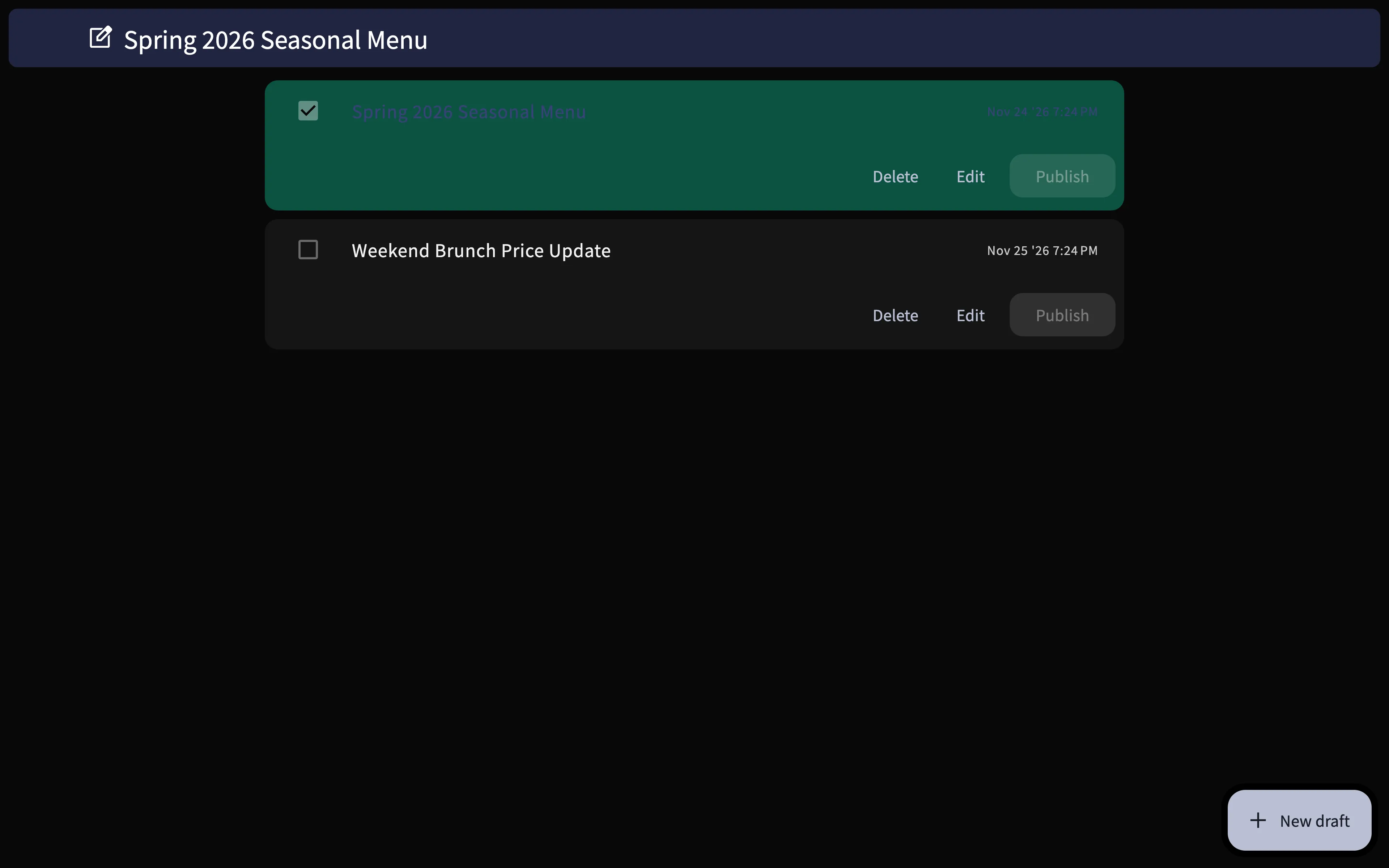
- Publish a Draft:
- When you’re satisfied with your draft, publish it to make the changes live for all devices.
- You can also schedule a draft to be published at a specific time, automating menu updates.