
Payment
This content is for 5.0 (Preview). Switch to 4.5 (Current) for the current release documentation.
QUEUE makes payment a breeze, whether your customers are settling up with cash, credit, or a friendly wave. Customize your payment settings to ensure smooth and secure transactions for everyone.
Payment Options to Match Your Flow
Section titled “Payment Options to Match Your Flow”| Option | Description |
|---|---|
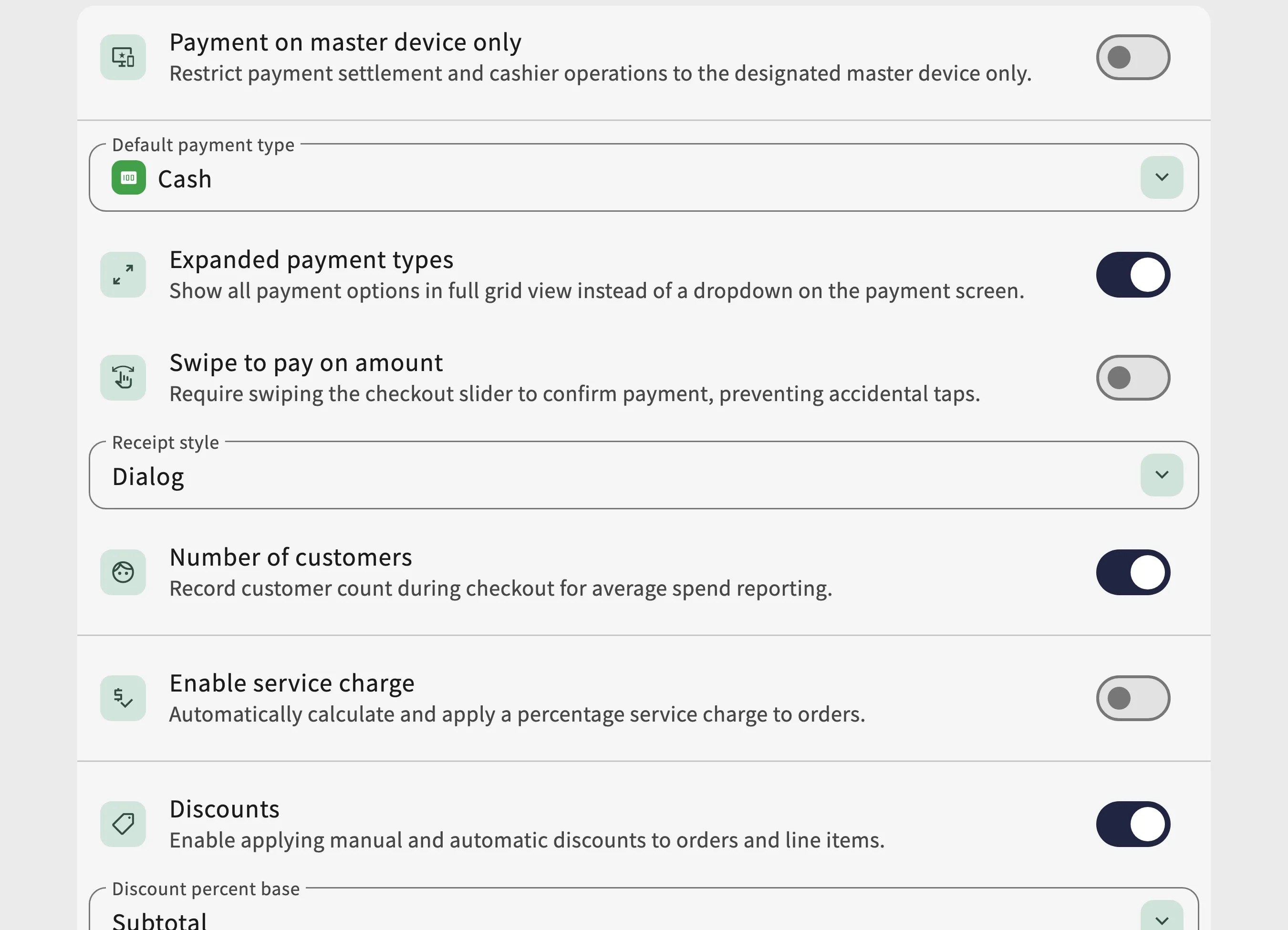
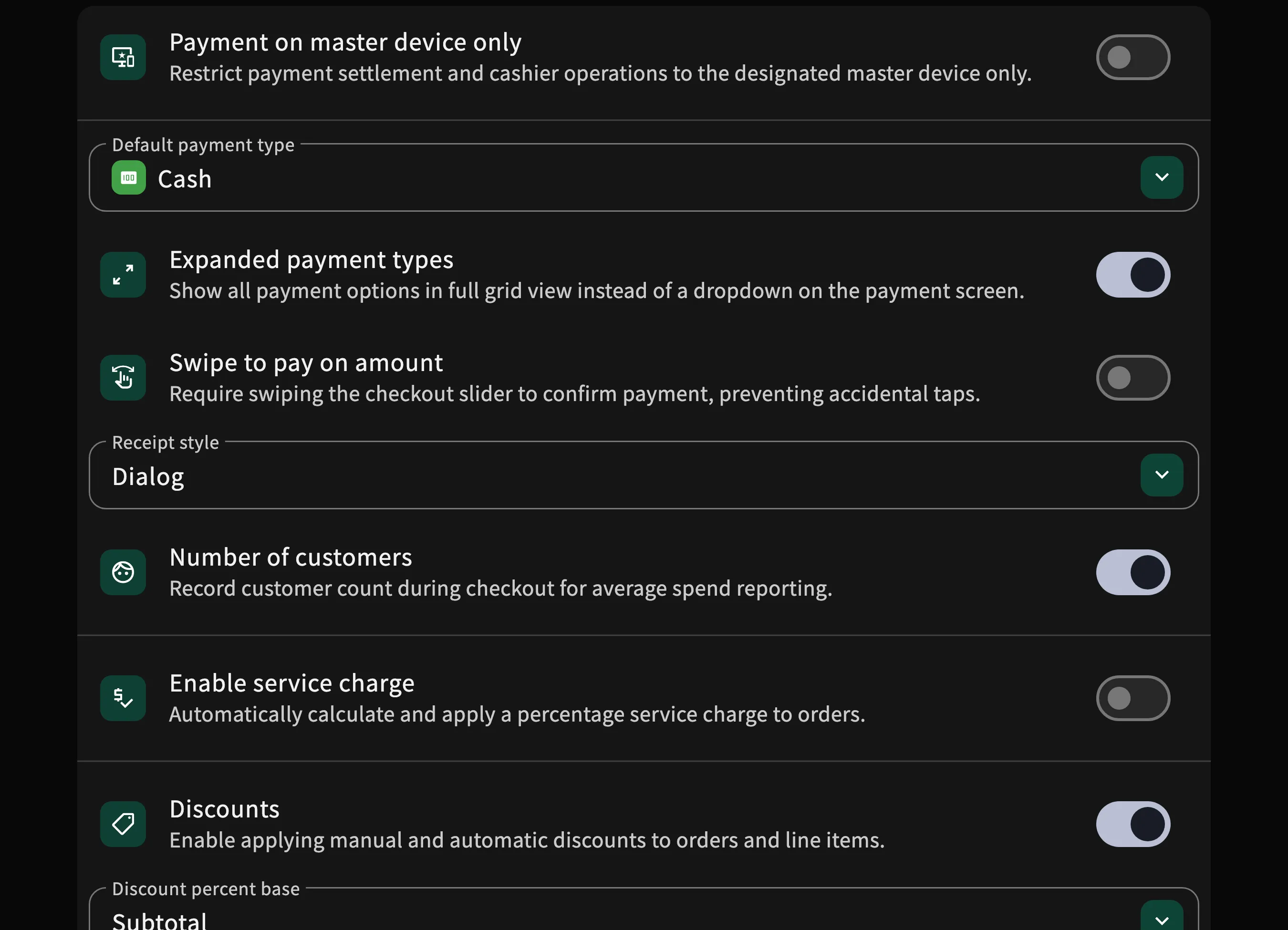
| Payment on master device only | Restrict payment actions to designated master devices. This adds a layer of security and control over financial transactions. |
| Expanded payment types | Display all payment types visibly on the payment page. This can speed up selection but might take up more screen space. |
| Swipe to pay on amount | Require a swipe gesture to complete payment for selected payment types. This can help prevent accidental completions. |
| Receipt style | Select how the receipt information should be displayed after an order payment is completed. |
| Number of customers | Show the number of customers and the average per customer |
Service charge
Section titled “Service charge”| Option | Description |
|---|---|
| Enable service charge | Automatically apply a service charge to relevant order types. |
| Percent | Specify the default service charge percent that will automatically be applied to orders |
| Quick order | Enable if service charge should also apply to Quick orders |
Gratuity
Section titled “Gratuity”| Option | Description |
|---|---|
| Enable gratuity | Allow staff to add tips during checkout. |
| Gratuity type | - Amount: Specific amount or - Expanded: A list of options |
Other options
Section titled “Other options”| Option | Description |
|---|---|
| Allow amount order split | Permit splitting orders based on amount, useful for multiple customers or payment types. |
| Enable credit card payment | Accept manual credit card payments (note: for external terminals, see separate documentation). |
| Allow payment type change for completed orders | Grant staff the ability to modify payment types for completed orders, with a warning about potential limitations. |
Additional Tips for Smooth Transactions
Section titled “Additional Tips for Smooth Transactions”- Swipe to pay on amount can help prevent accidental payment completions.
- Expanded payment types can speed up selection but might take up more screen space.
- Consider using service charge and tips to enhance staff earnings and customer satisfaction.
- Allow amount order split for flexibility in handling multiple payment scenarios.
- Use credit card payment options responsibly and securely.
- Exercise caution when changing payment types for completed orders, as it may not update price modifiers or discounts.