
Discounts
This content is for 5.0 (Preview). Switch to 4.5 (Current) for the current release documentation.
QUEUE’s discount features make it easy to offer appealing deals and promotions, from one-tap checkout discounts to fully automated BOGO and order-total promotions.
Discount Groups & Templates
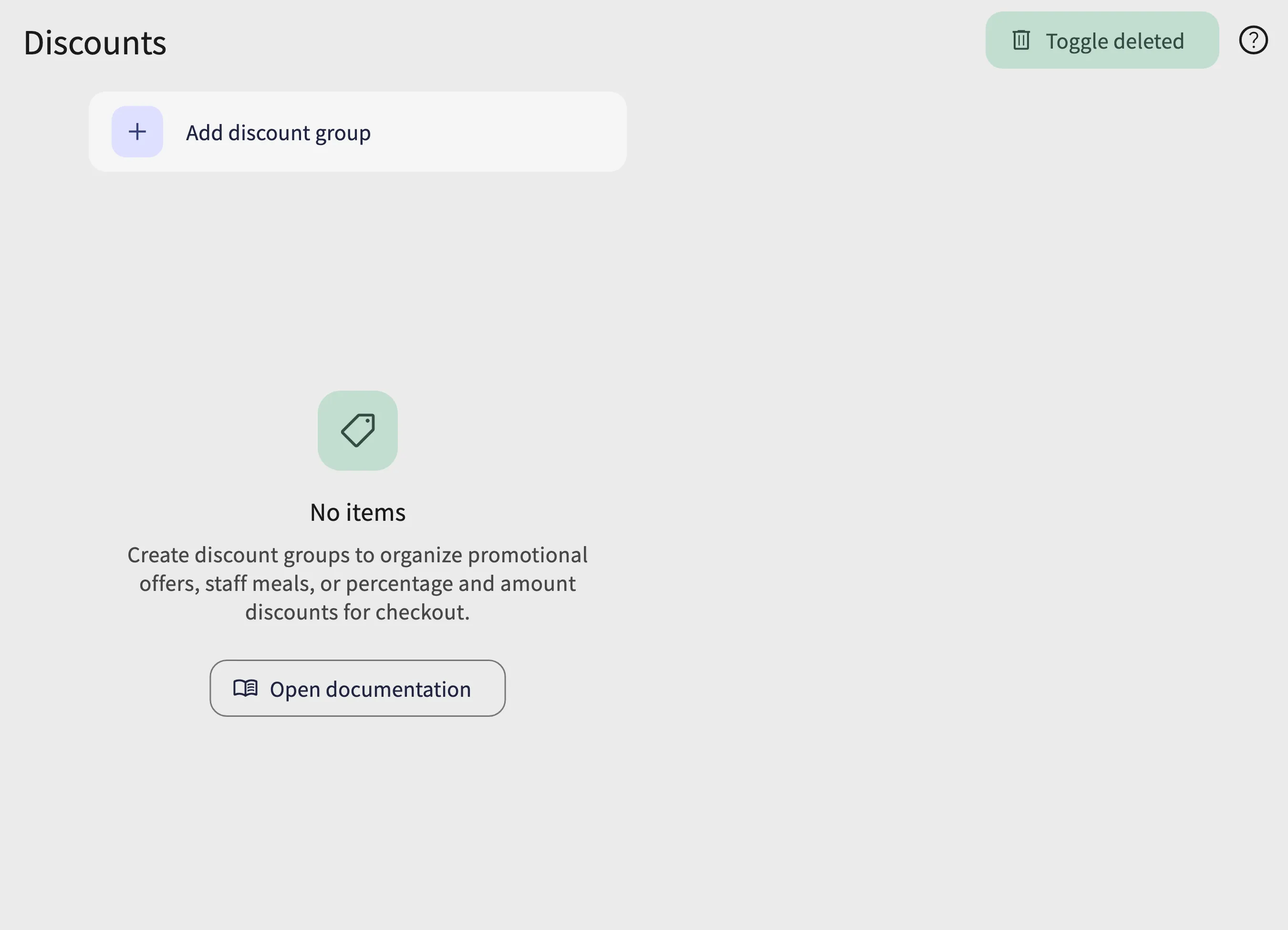
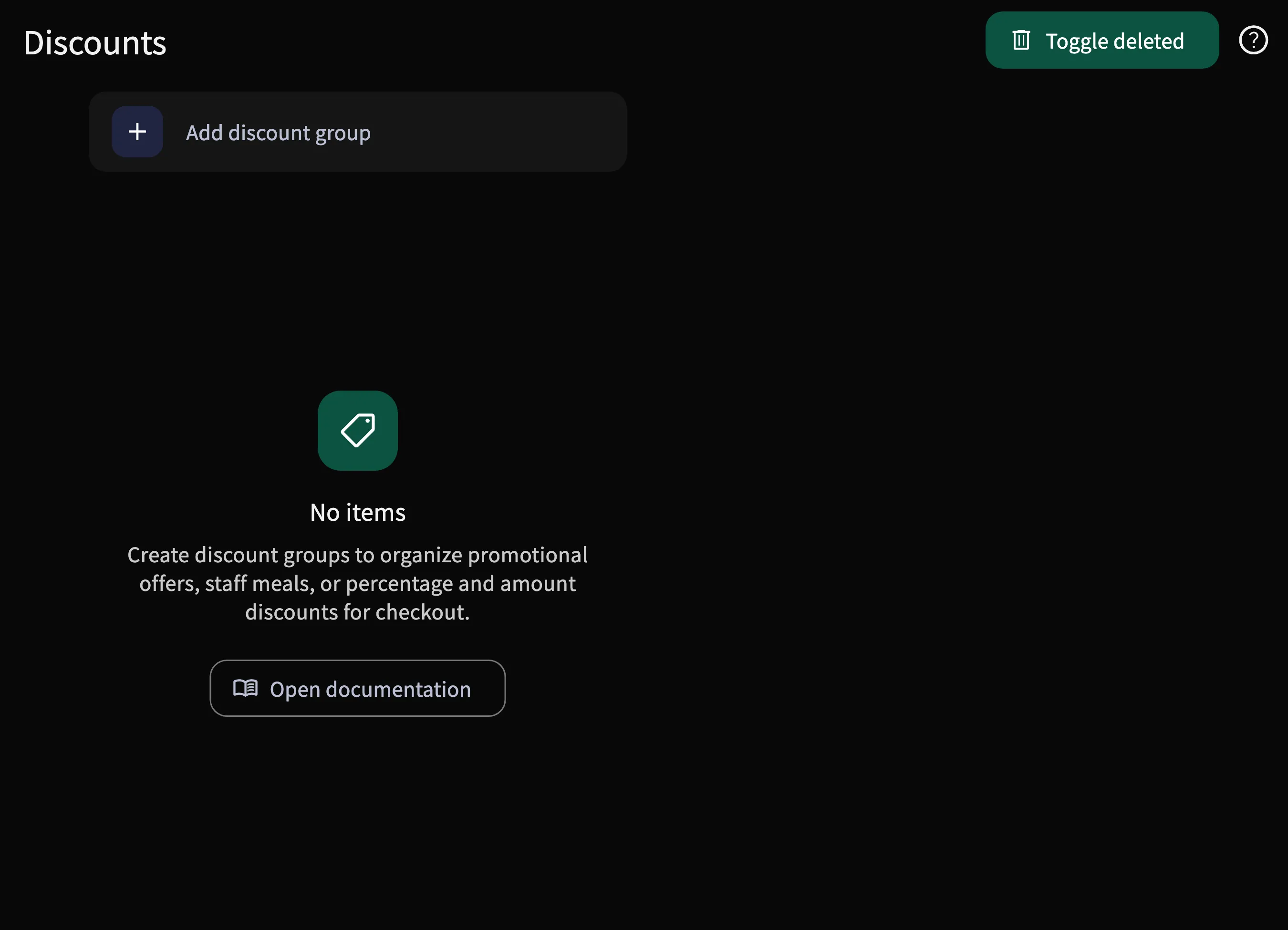
Section titled “Discount Groups & Templates”Organize related discounts into Discount Groups so staff can quickly locate them at checkout.
- Tap New Discount Template inside a discount group.
- Fill in the details:
- Name: A clear name shown on the POS, receipts, and reports.
- Source: Choose POS for in-store discounts, or link an external loyalty service such as Ocard.
- Discount Type: Choose Fixed Amount (e.g.
$50off) or Percentage (e.g.10%off). - Template Type: Choose Fixed for a preset value, or Open to let staff enter a custom amount/percentage at checkout.
Automatic Discounts
Section titled “Automatic Discounts”When Auto Discounts is enabled in Settings → Store → Payment, QUEUE automatically evaluates active auto-discount templates in real time as items are added to the cart and at checkout.
| Auto Discount Type | How It Works |
|---|---|
| Item Discount | Reprices eligible items to a discounted unit price once the minimum quantity is reached. |
| Quantity Interval | Applies a tiered percentage or per-unit amount discount based on the total quantity of eligible items in the cart. |
| Buy One Get One (BOGO) | Pairs eligible items (highest-priced paid first) with selectable items (lowest-priced discounted free), supporting both single multi-quantity lines and separate line items. |
| Order Total | Triggers an order-level discount or selectable free item once the discounted subtotal or full order total reaches the configured threshold. |